Reference to video AI.
Same face, same jacket, same room.
By Yuvraj SinghFounder, LeaxorUpdated
Reference to video AI builds a new shot around subjects you show it. Hand a model up to four images, write the scene, and the character, outfit or product carries through. Leaxor, an AI image and video generator, does this on five models, from $0.20 a clip.
Four references, one new street
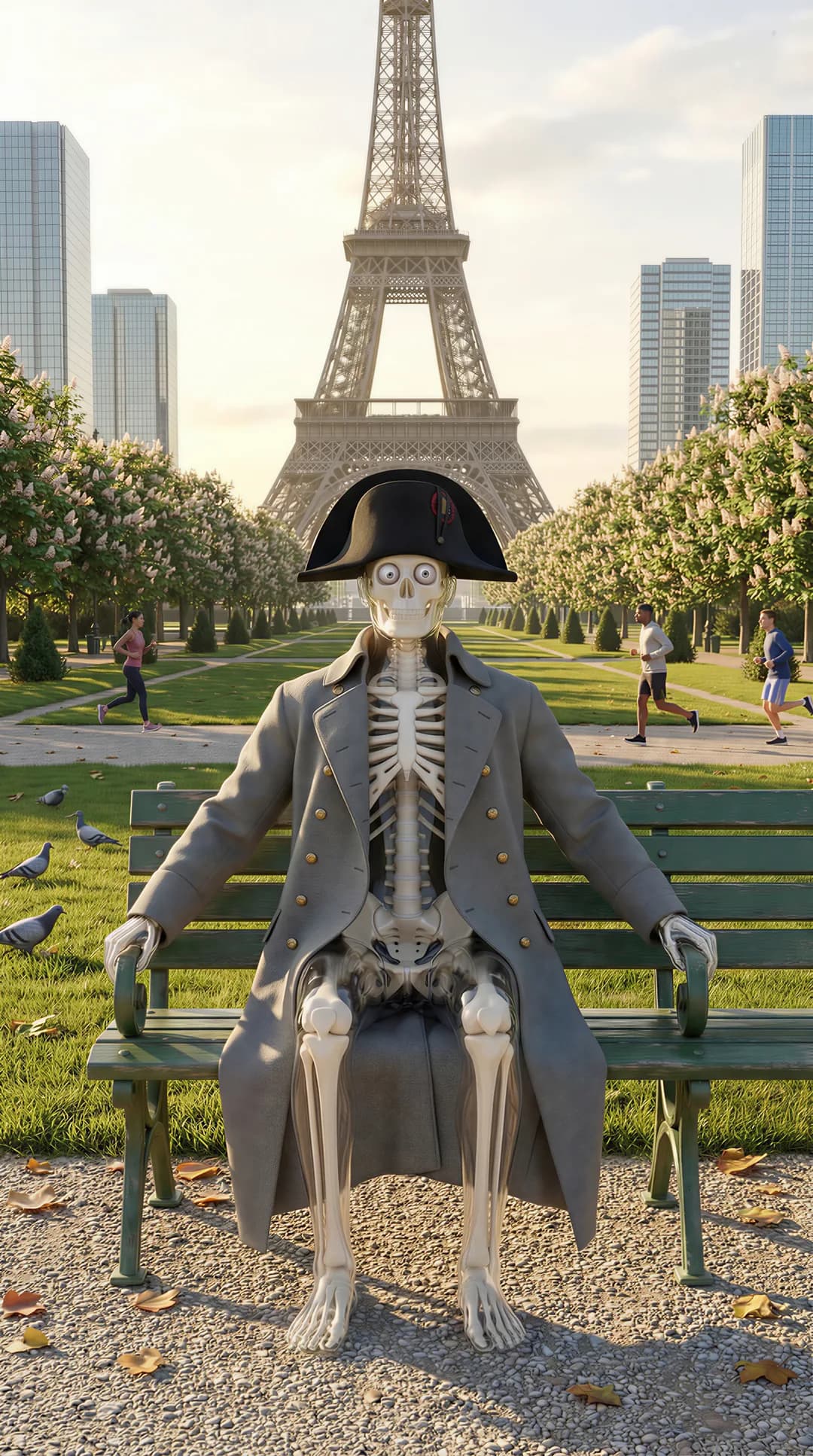
We gave Kling 1.6 Elements four stills of one character. None of them shows a rainy street at night. The prompt asked for one anyway:
“The skeleton character from the reference images walks through a rain-slick European street at night, coat collar turned up, neon shopfronts reflecting in the wet cobbles. Same skull proportions, same coat, same posture as the references. Cinematic, shallow depth of field, steady tracking shot alongside him.”
The 5-second clip costs 60 credits ($0.60) at today's rate. Notice the prompt asks for the same skull, coat and posture in plain words. A reference tells a model what to keep, and it helps to tell it what matters most.

Reference to video vs image to video
All three of these jobs start from pictures, and picking the wrong one is the usual reason a clip disappoints. The difference is what the picture is for.
| Job | You give it | What the picture does | Use it when |
|---|---|---|---|
| Image to video | One photo | It becomes the first frame | You like this exact picture and want it to move |
| First and last frame | Two stills | They become both ends of the shot | You know where the shot has to land |
| Reference to video | Up to 4 images | They describe the subject and never appear as frames | The subject has to stay the same in a new scene |
The multi image to video models
Every one of these takes up to 4 reference images and runs to at most 15 seconds. Cheapest first. The price is the lowest setting each model offers, so a higher resolution costs more.
| Model | Maker | From | Longest clip | Top resolution |
|---|---|---|---|---|
| Gemini Omni Flash 1.1 | $0.20 (3s) | 10s | 4K | |
| Wan 3.0 | Alibaba | $0.30 (5s) | 15s | 1080p |
| Grok Imagine 1.5 | xAI | $0.50 (5s) | 15s | 720p |
| Wan 3.0 Prime | Alibaba | $0.50 (5s) | 15s | 1080p |
| Kling 1.6 Elements | Kuaishou | $0.60 (5s) | 10s | Fixed |
How to make a video from reference images
Keep each image about one thing. Google's help page for Flow recommends subject and product references on a plain or segmented background. On Wan 3.0 you can also point at an image by position, as in “the subject in Image 1”, which its API documentation describes.
- 1. Choose your references. Pick up to 4 images of whatever has to stay the same: a face from two angles, an outfit, a product, a room.
- 2. Open Reference to Video. Pick Reference to Video in the video menu and add the images. They aren't frames, so they don't have to look like the shot you want.
- 3. Write the new scene. Say where the subject is and what it does, and name it as the one from the references. Pick a model and a length, check the price, and render.
Keeping one character across a whole series
Reference to video holds a subject within one shot. Keep the same image set and you can hold it from shot to shot as well. A reference isn't a promise of a pixel-perfect match, and we haven't measured how well each model keeps a likeness, so check small details such as logos and hands. For the bigger picture, read how to keep a consistent character in AI video, or start with a face from the AI influencer generator.
Reference to video FAQ
What is reference to video?
Reference to video generates a clip from a prompt while keeping the subjects in your images. The pictures tell the model what things look like, and the prompt tells it what happens. Unlike image to video, none of them has to appear as a frame in the result.
What's the difference between reference to video and image to video?
In image to video, your picture becomes the opening frame, so the shot starts there. In reference to video, your pictures are a description of the subject, and the model can put that subject in a completely new scene.
How many reference images can I use?
Up to 4 on every model here. Two or three good ones of the same subject are often easier for a model to read than a mixed set, though that's our advice and not a benchmark.
What is ingredients to video?
It's Google Flow's name for this same job. You add reference images of characters, objects or styles as ingredients, then describe how they should appear in the clip. Gemini Omni Flash, which is one of the models here, handles it on Leaxor.
What makes a good reference image?
One clear subject, well lit, with nothing covering it. Google's own guidance for Flow is to use subject or product references on a plain or segmented background, and that holds up on other models too. Busy backgrounds give the model more to carry over by accident.
Is reference to video free?
Not on Leaxor. There's no free tier and no free credits. The cheapest clip is $0.20 on Gemini Omni Flash 1.1, and the price shows before you render.
More video jobs
AI Video Generator
Every model and every job, from a prompt or a photo
Consistent Character AI
Keep one character recognisable across a series
First and Last Frame
Give it two stills and get the clip between them
AI Motion Control
Copy real movement onto your character
AI Image Generator
Make the reference images first
Show it, then direct it
Your character. Any scene.
Clips start at $0.20 on Gemini Omni Flash 1.1. Credits are pay-as-you-go, and no subscription is required.
Make a clip from references